Fake SD Card Alert: 7 Proven Ways to Detect and Protect Your Files
Fake SD card warning signs, testing tools, and buying tips to protect your photos, videos, and files from silent data loss.
You plug in a brand new 64GB SD card, copy over a folder of vacation photos, and everything looks fine. Then a few weeks later, half those photos won’t open. This is one of the most common ways people discover they’ve bought a fake SD card, and by then the damage is already done.
Counterfeit memory cards are a bigger problem than most people realize. They’re sold on major marketplaces, packaged to look identical to name brands, and priced just low enough to seem like a good deal instead of a red flag. The card might even show the correct storage capacity on your computer, which is exactly what makes this scam so effective.
The good news is that spotting a fake SD card doesn’t require special equipment or technical expertise. A handful of simple checks, free software tools, and buying habits can save you from losing wedding photos, client work, or years of family memories. This article walks through exactly how these scams work, the warning signs to watch for, step-by-step methods to test any card you own, and what to do if you find out your card isn’t what it claims to be.
What Is a Fake SD Card and Why It Matters
A fake SD card, sometimes called a counterfeit or fraudulent memory card, is a storage device that has been altered to report a false capacity. A card that’s actually 8GB might be reprogrammed through its firmware to show up as 128GB or even 512GB on your computer or camera.
Here’s the part that trips people up: the card will genuinely display the fake number in your file explorer. Windows, macOS, and your camera’s menu will all confirm “512GB available” even though the physical memory chip inside can only hold a fraction of that. Once you fill past the real capacity, the card starts silently overwriting your existing files instead of throwing an error. You won’t get a warning. You’ll just get corrupted photos, broken video files, or folders that appear to exist but contain nothing when you open them.
This matters because it’s not just a matter of getting less storage for your money. It’s a data loss problem. Photographers, videographers, and anyone backing up important documents are especially at risk, since the failure often isn’t discovered until the files are already needed and gone.
How Fake SD Cards Work
Understanding the mechanics helps explain why these scams are so hard to catch just by looking at the card.
- Firmware manipulation: Scammers reflash the card’s controller firmware to report an inflated capacity to any device that reads it.
- Low-grade or recycled chips: Some counterfeit cards use salvaged memory chips from discarded electronics, which fail faster and have unreliable read/write performance.
- Cosmetic copying: Packaging, holograms, and even the printed label on the card itself are copied closely enough to fool a quick glance.
- Circular overwrite: Once the real storage limit is hit, new files silently loop back and overwrite the beginning of the card’s data rather than triggering a “storage full” message.
This is why relying on the number displayed by your operating system is never enough to confirm a card is genuine.
Warning Signs of a Fake SD Card
Before running any technical tests, there are several red flags worth checking first.


Pricing That’s Too Good to Be True
If a 256GB SD card from a trusted brand is normally $30 to $40 and you find one for $8, that’s not a bargain. It’s a signal. Legitimate manufacturers rarely discount high-capacity cards that dramatically, even during sales events.
Inconsistent Branding or Packaging
Look closely at the printed text, logo placement, and font on the card and its packaging. Compare it against images on the manufacturer’s official website.
- Blurry or slightly misaligned logos
- Spelling errors on the packaging
- Missing security holograms or serial numbers
- A retail box that feels flimsy compared to genuine packaging
Seller Reputation
Third-party sellers on large marketplaces are the most common source of counterfeit cards. Check for:
- A seller account with very few reviews or ratings
- Reviews mentioning “fake,” “not authentic,” or “wrong capacity”
- No option to buy directly from the brand or an authorized retailer
Unusually Fast “Advertised” Speeds
Counterfeit cards often list speed ratings (like UHS-3 or V90) that don’t match what real memory chips at that price point could realistically deliver.
How to Detect a Fake SD Card: Step-by-Step Testing
This is where you move from suspicion to proof. None of these methods require advanced technical skill, and most take less than 20 minutes.
Step 1: Check the Listed Capacity Against the Actual Files
Copy a large batch of files onto the card, close to its advertised full capacity, and then try opening a sample from different points: the beginning, middle, and end of that batch. If files near the “end” of the supposed capacity are corrupted, blank, or won’t open, the card is very likely fake.
Step 2: Use H2testw or F3 to Verify Real Storage Capacity
This is the single most reliable way to detect a fake SD card, and it’s free.
- H2testw (Windows) writes test data across the entire card and then reads it back, flagging exactly where errors begin.
- F3 (Fight Flash Fraud) does the same thing on macOS and Linux, and is available as an open-source tool through its official GitHub repository.
Both tools will tell you the card’s true usable capacity down to the megabyte. If your “128GB” card tests out at 7.4GB of actual usable space, you have your answer.
Step 3: Run a Real-World Speed Test
Counterfeit cards frequently can’t sustain their advertised read and write speeds, even when the storage capacity happens to be correct. Tools like CrystalDiskMark (Windows) or Blackmagic Disk Speed Test (Mac) measure actual transfer speeds. If the results are dramatically lower than the card’s printed rating, that’s another sign something is wrong.
Step 4: Check the Card’s Format and File System
Genuine SD cards ship formatted correctly for their capacity class (SD, SDHC, or SDXC). A card claiming to be SDXC (which should use exFAT for capacities over 32GB) but formatted as FAT32 is a common inconsistency in counterfeit products.
Step 5: Physically Inspect the Card
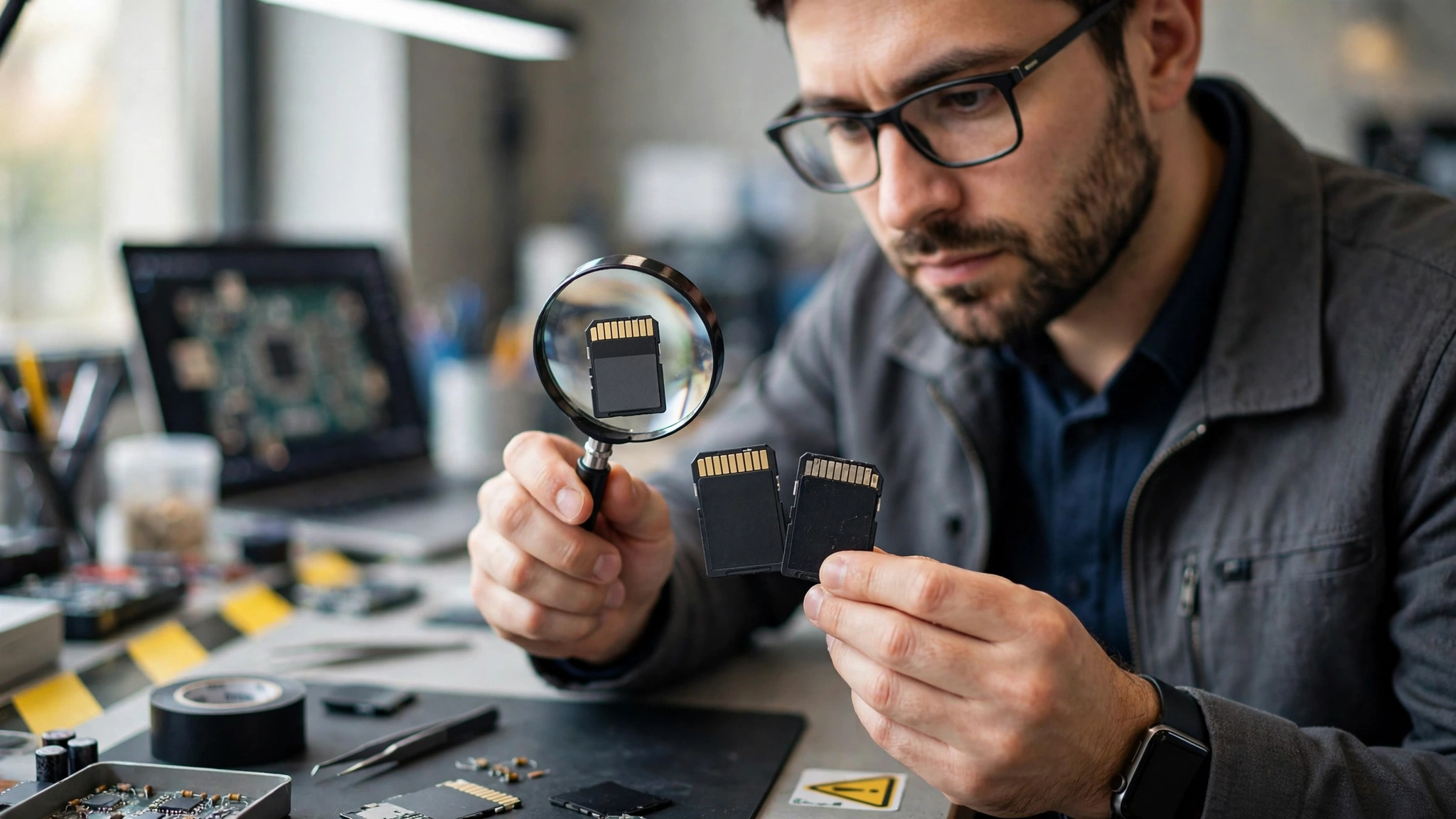
Compare the card’s weight, texture, and connector pins against a verified genuine card from the same brand if you have one available. Fake cards sometimes have slightly different contact pin spacing or a noticeably lighter plastic shell.
Step 6: Cross-Check the Serial Number
Many major manufacturers, including SanDisk and Samsung, allow you to verify authenticity through their official support pages or authorized retailer channels. If a serial number doesn’t match any recognized batch or the manufacturer’s verification tool rejects it, treat that as confirmation of a fake.
Step 7: Compare Purchase Source Against Authorized Retailers
If the card wasn’t purchased directly from the manufacturer or a retailer listed on the brand’s official authorized dealer page, there’s meaningfully higher risk. As Backblaze’s storage reliability team has noted in their research on consumer storage device failures, the failure rate on unverified third-party storage products is consistently higher than on cards from authorized channels.
What to Do If You Discover a Fake SD Card
If testing confirms your card is counterfeit, act quickly to limit the damage.
- Stop using the card immediately for any new files. Continued use risks overwriting whatever data might still be recoverable.
- Attempt data recovery using software like Recuva, PhotoRec, or Disk Drill before doing anything else with the card.
- Request a refund or replacement from the seller, citing the specific test results (H2testw or F3 logs are strong evidence).
- Report the seller to the marketplace if the listing misrepresented the product, since this helps prevent others from being scammed.
- Dispose of the card safely if a refund isn’t possible and recovery attempts are unsuccessful, rather than risking it in an important device again.
How to Protect Your Files Going Forward
Detecting a fake card after the fact is useful, but the real goal is preventing data loss in the first place.
Follow the 3-2-1 Backup Rule
Keep three copies of important files, on two different types of storage, with one copy stored off-site or in the cloud. This single habit protects you regardless of whether a storage device is genuine, damaged, or simply fails with age.
Test New Cards Before Trusting Them With Important Data
Run H2testw or F3 on every new SD card before using it for a wedding shoot, a client project, or irreplaceable family photos. It takes a few minutes and removes the guesswork entirely.
Buy Only From Authorized Retailers
Purchase memory cards directly from the manufacturer’s website or from retailers explicitly listed as authorized dealers. This single step eliminates the vast majority of counterfeit risk.
Keep Your Camera or Device Firmware Updated
Some newer cameras and phones include basic capacity verification during formatting, which can catch obvious mismatches early. Keeping device firmware current ensures you benefit from these built-in protections.
Watch for Marketplace Warning Labels
Some platforms now flag listings with a history of counterfeit complaints. Pay attention to these warnings rather than dismissing them because of a low price.
Best Practices When Buying SD Cards
- Compare prices across at least three retailers before assuming a deal is legitimate.
- Read the most recent reviews first, since counterfeit sellers often rotate their fake listings.
- Avoid bundle deals that include several high-capacity cards at a steep discount, a common tactic for offloading fake stock quickly.
- Check for authorized dealer certification on the manufacturer’s official site before completing a purchase from a third party.
- Keep your receipt and packaging until you’ve tested the card, in case a return or refund becomes necessary.
Conclusion
A fake SD card can look completely normal while quietly putting your photos, videos, and documents at risk, which is exactly why relying on the displayed storage number is never enough. By watching for pricing and packaging red flags, testing new cards with free tools like H2testw or F3, buying only from authorized sellers, and following a solid backup routine, you can catch a counterfeit before it costs you anything that actually matters. A few minutes of testing today is a small price to pay compared to losing files you can never get back.