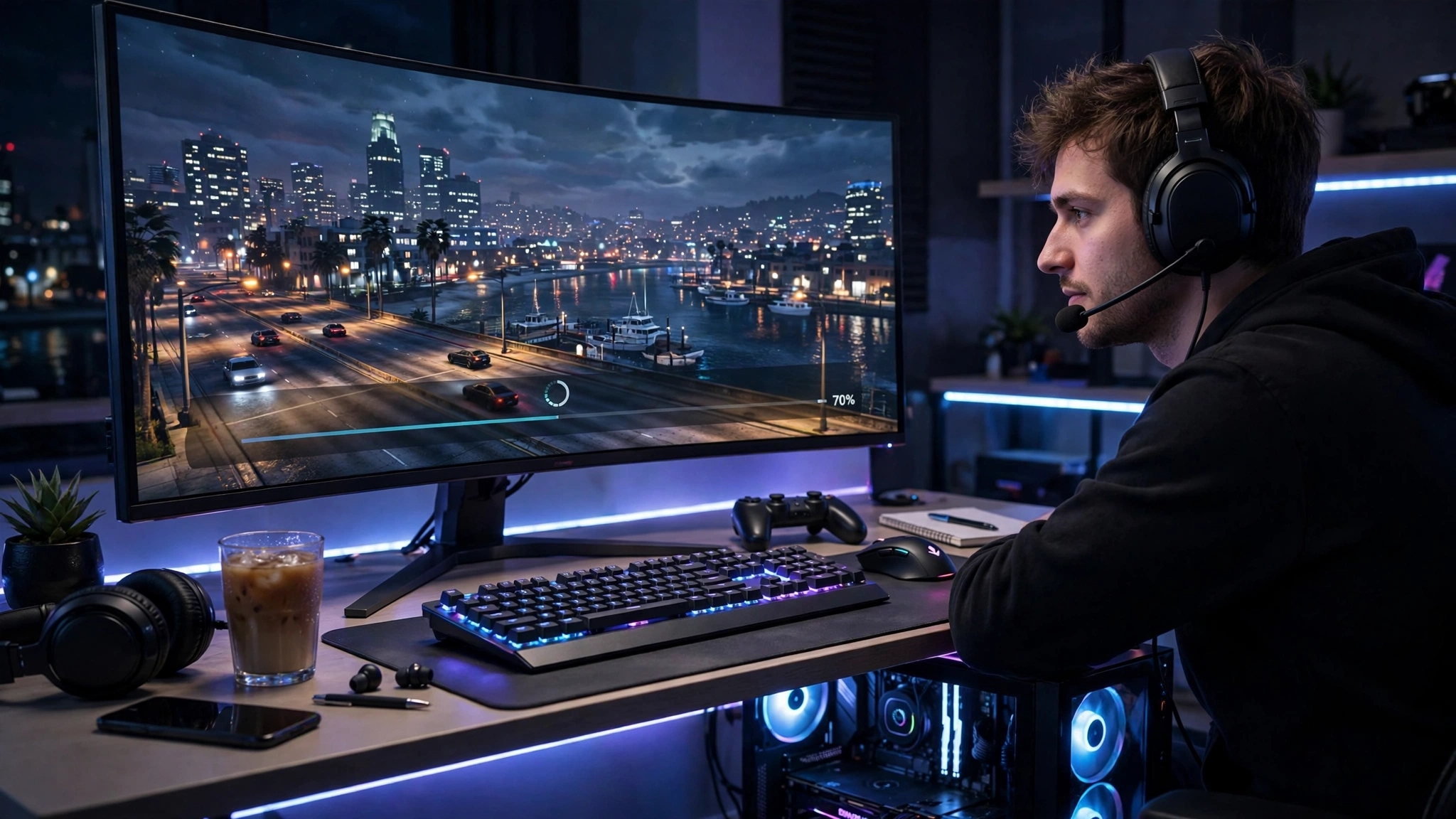
GTA 6 is finally here. After more than twelve years of waiting, two delays, and endless trailer breakdowns, Rockstar Games released Grand Theft Auto VI on November 19, 2026. Millions of players are now trying to figure out the fastest and safest way to download and install GTA 6, and the search results are full of confusing advice, fake “PC download” links, and outdated pre-launch guesses.
This guide clears that up. You will get a simple, step-by-step walkthrough for the GTA 6 PS5 download, the GTA 6 Xbox Series X|S download, and an honest answer about the GTA 6 PC download and laptop situation. We also cover the GTA 6 file size, storage tips, the boxed code-in-a-box edition, and the most common installation problems people are hitting right now.
Here is the short version before we go deeper. GTA 6 is only available on PlayStation 5 and Xbox Series X|S at the moment. There is no official PC version, and Rockstar has not announced a PC release date. That means any website offering a free GTA 6 PC download today is a scam, plain and simple. If you play on a laptop, you still have a couple of legitimate ways to get into Leonida, and we explain them below.
Whether you pre-ordered months ago or just bought the game this week, follow the steps in order and you will be cruising through Vice City with Lucia and Jason in no time.
GTA 6 Release Overview: What You Need to Know First
Before you start any download, it helps to know exactly what Rockstar released and where. Plenty of players waste time looking for versions that do not exist yet.
GTA 6 Release Date and Platforms
GTA 6 launched worldwide on Thursday, November 19, 2026. It unlocked at midnight local time in each region, which created a rolling launch that started in New Zealand and moved west across the globe. In the United States, the stores treated the whole country as one region tied to Eastern time, so players on the West Coast could start playing on the evening of November 18.
The confirmed platforms are:
- PlayStation 5 (including PS5 Pro with enhanced visuals)
- Xbox Series X
- Xbox Series S
There is no version for PS4, Xbox One (natively), Nintendo Switch 2, or Windows PC.
GTA 6 Price and Editions
Rockstar sells GTA 6 in two editions:
- Standard Edition at $79.99, which includes the full single-player story and access to the online component.
- Ultimate Edition at around $99.99, which adds bonus in-game content on top of the base game.
Digital pre-orders came with a free month of GTA+. Keep in mind that this membership renews automatically at the normal monthly price unless you cancel it, so set a reminder if you do not plan to keep it.
GTA 6 File Size: How Much Space You Need
This is the part that catches most people off guard. The GTA 6 file size is huge:
- PS5: about 210 GB download, with the PlayStation Store asking for roughly 212 GB of free space
- Xbox Series X|S: about 210 GB on the store listing, with Microsoft’s backend showing closer to 225 GB once extra files are included
Patches add more on top. Small updates have already rolled out since pre-load opened, and more will follow. A safe rule is to clear at least 250 GB of free storage before you start the GTA 6 install.
How to Download and Install GTA 6 on PS5
The GTA 6 PS5 download is the most common route, and the process is straightforward once you have enough space. The PS5 version also runs best on the PS5 Pro if you own one.
Step 1: Check Your PS5 Storage
Go to Settings > Storage > Console Storage and look at the free space figure. A standard PS5 has about 667 GB of usable space, and the newer slim models have more. If you have less than 250 GB free, delete games you are not playing or move them to an external drive.
Quick ways to free up space on PS5:
- Delete old game installs you have finished (your saves stay in cloud storage if you have PS Plus)
- Remove captured videos and screenshots from the Media Gallery
- Move PS4 games to a USB external drive
- Install an M.2 SSD expansion for a permanent fix
Step 2: Buy GTA 6 From the PlayStation Store
Open the PlayStation Store from your home screen and search for “Grand Theft Auto VI.” Choose your edition, confirm the purchase, and make sure you are signed in to the correct PSN account. If you buy on the PlayStation App or website, the game gets linked to the same account automatically.
Step 3: Start the Download
After purchase, press Download. If you already pre-ordered, the game may already sit in your library, so go to Game Library > Your Collection and select it. Your PS5 will download the full package plus any current patch.
Step 4: Let the Install Finish and Launch
The PS5 installs the game while it downloads. You may be able to start a portion of it before the full package finishes, but for a game this size it is better to wait for the complete install. This avoids stutters and missing-content errors in the open world. Once it is done, launch the game from your home screen and accept any final update prompt.
Tips for a Faster PS5 Download
- Use a wired Ethernet connection instead of Wi-Fi
- Put the console in Rest Mode with “Stay Connected to the Internet” turned on
- Pause other downloads and updates while the game is downloading
- Restart your router if speeds suddenly drop
How to Download and Install GTA 6 on Xbox Series X|S
The GTA 6 Xbox download works in a similar way, but storage is a much bigger deal here, especially on the Series S.
Step 1: Check Storage on Your Xbox
Press the Xbox button, then go to My games & apps > See all > Manage > Storage devices. You will see how much space is left on your internal drive and any expansion card.
Here is how GTA 6 fits on each console:
- Xbox Series X (1 TB): about 800 GB usable, so the game takes roughly a quarter
- Xbox Series S (1 TB model): about 800 GB usable, similar to Series X
- Xbox Series S (512 GB model): about 364 GB usable, so GTA 6 takes more than half of your drive on its own
If you own the 512 GB Series S, a Storage Expansion Card is worth considering. You can play older Xbox One games from a cheap USB drive, but Series X|S games like GTA 6 need to run from internal storage or an official expansion card.
Step 2: Purchase GTA 6 From the Microsoft Store
Open the Microsoft Store on your console and search for “Grand Theft Auto VI.” Buy the edition you want. You can also purchase from the Xbox app on your phone and send the download to your console remotely, which is handy if you want the download to start before you get home.
Step 3: Install and Keep the Console Updated
Select Install and choose your internal drive or expansion card. Keep the console in Sleep mode (the old Instant-On setting) so it can keep downloading and pick up patches automatically. When the progress bar reaches 100 percent, launch the game and let it install any pending update.
Is GTA 6 on Xbox Game Pass?
No. GTA 6 is not part of Xbox Game Pass at launch. You need to buy the game outright. Be careful with websites or videos claiming you can get it free through Game Pass, because that is false.
How to Install GTA 6 From the Boxed Edition (Code in a Box)
This one surprised a lot of people. For the first time in mainline GTA history, the retail box does not include a game disc. Take-Two confirmed that the boxed copies contain a download code instead.
That changes the process for anyone who bought the game from a shop:
- Open the box and find the printed code card.
- On PS5, go to the PlayStation Store, select the menu, and choose Redeem Code.
- On Xbox, open the Microsoft Store and choose Redeem, then enter the 25-character code.
- Once the code is accepted, the game appears in your library and starts downloading.
Because there is no disc, a boxed copy still needs the full download. If your internet is slow, plan ahead. Also note that the code ties the game to your account, so a boxed copy cannot be resold or lent the way discs used to be.
GTA 6 PC Download: Is It Available?
Let us be direct. There is no official GTA 6 PC download right now. Rockstar has not released a PC version, has not named a PC store like Steam or the Epic Games Store, and has not published official GTA 6 PC system requirements.
Why GTA 6 Skipped PC at Launch
Rockstar and Take-Two have said the studio is focusing on consoles first because that is where most of its players are. They have also said a PC version will come later, but no date has been confirmed.
When Could GTA 6 Arrive on PC?
Rockstar’s history gives us a decent guess:
| Game | Console Release | PC Release | Gap |
|---|---|---|---|
| GTA IV | April 2008 | December 2008 | About 8 months |
| GTA V | September 2013 | April 2015 | About 19 months |
| Red Dead Redemption 2 | October 2018 | November 2019 | About 13 months |
Based on that pattern, most industry watchers expect the GTA 6 PC release sometime in late 2027 or 2028. Some unverified reports have pointed to early 2027, but nothing from Rockstar backs that up. Treat any specific date as speculation until Rockstar posts it on its Newswire.
How to Prepare Your PC for GTA 6
You cannot download and install GTA 6 on PC yet, but you can get ready. Since the console versions push a lot of detail, a future PC build will likely want strong hardware. Sensible preparation includes:
- An NVMe SSD with at least 300 GB free (the game will not be small)
- A modern GPU with at least 8 GB of VRAM, ideally 12 GB or more for higher settings
- 16 GB of RAM at minimum, with 32 GB being a safer target
- A recent 6-core or 8-core CPU
- Windows 11 with the latest graphics drivers
These are educated estimates, not official requirements. Do not spend big money on upgrades purely for this game until Rockstar publishes real specs.
How to Play GTA 6 on a Laptop
Laptop players are in the same spot as desktop users. There is no native GTA 6 laptop download. However, if you own a PS5 or Xbox Series X|S, you can still play on your laptop through official streaming features.
Option 1: PS Remote Play
Sony’s Remote Play app lets you stream games from your own PS5 to a Windows or Mac laptop. Your PS5 does all the work, and the laptop just shows the video and sends your controller input.
To set it up:
- On your PS5, go to Settings > System > Remote Play and turn on Enable Remote Play.
- Download the official PS Remote Play app for Windows and Mac on your laptop.
- Sign in with the same PSN account and connect a DualSense controller by USB or Bluetooth.
- Select your PS5 and launch GTA 6 from the stream.
Option 2: Xbox Remote Play
Xbox offers a similar feature. Turn on Remote features in your console settings under Devices & connections, then use the Xbox app on your Windows laptop to connect. As with PlayStation, the console has to be powered on or in Sleep mode.
Tips for Smooth Laptop Streaming
- Connect your console to the router with an Ethernet cable
- Use a 5 GHz Wi-Fi band or a wired connection on the laptop
- Stream on the same home network for the lowest lag
- Lower the stream resolution if you see stuttering
Streaming will never feel quite as sharp as playing on a TV, but it is a legitimate way to enjoy Leonida on a laptop until a proper PC version arrives.
Avoid Fake GTA 6 Download Scams
With so much hype, scammers are working overtime. Search engines and YouTube are full of pages promising a free GTA 6 download, a “GTA 6 PC repack,” or a “GTA 6 APK for Android.” None of these are real.
Common Scam Signs
- Any site offering GTA 6 for PC, Android, or iOS
- “Free GTA 6” links that ask you to complete surveys or enter your phone number
- Download files ending in .exe or .apk that claim to be the game
- Fake “GTA 6 beta” invites sent through Discord or social media
- Cracked versions or “early access keys” sold cheaply on unknown sites
How to Stay Safe
Only buy the game from the official PlayStation Store, the Microsoft Store, or trusted retailers. For official news and announcements, check the Rockstar Games official GTA VI page. If something sounds too good to be true, it is. Downloading fake files can infect your computer with malware, steal your passwords, or lock your files for ransom.
Fixing Common GTA 6 Download and Installation Problems
Even on official stores, launch week for a game this big brings some hiccups. Here are the most common issues and how to fix them.
Download Stuck or Very Slow
Huge numbers of players are downloading at the same time, which strains servers. Try these fixes:
- Pause and resume the download
- Restart your console fully (not just Rest Mode or Sleep)
- Switch to a wired connection
- Change your console’s DNS to a public option such as 8.8.8.8 or 1.1.1.1
- Try downloading late at night when traffic is lower
Not Enough Storage Error
If your console says there is not enough space even after you cleared some, remember that the game needs extra room for temporary files during the install. Clear more space than the listed size, ideally 30 to 50 GB beyond it.
Game Shows as Locked or Cannot Be Played
This usually happens when the console cannot verify your license. Make sure you are signed in to the account that bought the game. On PS5, go to Settings > Users and Accounts > Other > Restore Licenses. On Xbox, set the console as your Home Xbox under Settings > General > Personalization.
Code Will Not Redeem
Double-check that you bought the right version for your console. A PS5 code will not work on Xbox, and the other way around. Codes are also region-locked in some cases. If problems continue, contact the retailer or check Rockstar Games Support for help.
Tips to Get the Best GTA 6 Experience After Installing
Once your GTA 6 install is complete, a few small tweaks can make a big difference.
- Choose the right graphics mode. Most players will see a choice between a quality mode and a performance mode. Quality mode looks sharper, while performance mode feels smoother in action. PS5 Pro owners get extra enhancements.
- Turn on HDR if your TV supports it. Vice City’s neon lights and sunsets look stunning with HDR set up correctly.
- Calibrate your audio. If you use headphones, enable 3D Audio on PS5 or Windows Sonic or Dolby Atmos on Xbox.
- Keep auto-updates on. Rockstar will patch bugs and add content regularly, and you want those fixes to install in the background.
- Back up your saves. Turn on cloud saves with PS Plus or rely on Xbox’s built-in cloud sync so you never lose progress.
Frequently Asked Questions About GTA 6 Download and Install
Can I download GTA 6 for free?
No. GTA 6 is a paid game and is not included in PS Plus or Xbox Game Pass. Any free download offer is fake.
How long does it take to download GTA 6?
It depends on your connection. At 100 Mbps, a 210 GB download takes around five hours in good conditions. At 50 Mbps, expect ten hours or more. Launch-week traffic can make it slower.
Can I play GTA 6 on PS4 or Xbox One?
Not natively. The game was built for current-generation hardware only. Some sources report that Xbox One owners can stream it through Xbox Cloud Gaming, so check the Xbox store listing in your region to see whether cloud play is offered.
Will my GTA 5 progress carry over?
No. GTA 6 is a brand-new game with its own story, map, and characters, so nothing transfers from GTA 5 or GTA Online.
Is there a GTA 6 mobile version?
No. There is no official GTA 6 for Android or iPhone. Ignore any APK file or app store listing claiming otherwise.
Conclusion
Learning how to download and install GTA 6 is simple once you know where the game actually exists. Right now, GTA 6 is available only on PlayStation 5 and Xbox Series X|S, with a download of roughly 210 GB that calls for at least 250 GB of free space to be safe. PS5 and Xbox players can buy it straight from their console store or redeem the code from a boxed copy, keep the console connected so patches install, and start playing once the full install finishes. PC players will have to wait, since Rockstar has not announced a PC release date and history points to late 2027 or later, while laptop owners with a console can play today through PS Remote Play or Xbox Remote Play. Above all, stay away from any “free GTA 6 PC download,” APK, or cracked file, because every one of them is a scam, and stick with official stores so your trip to Leonida starts safely.