Vibe Coding Apps With AI: 10 Brilliant Pro Tips I Learned the Hard Way
Vibe coding lessons from real app builds: how to plan, prompt, test and secure AI-generated code so your app reaches launch instead of stalling.
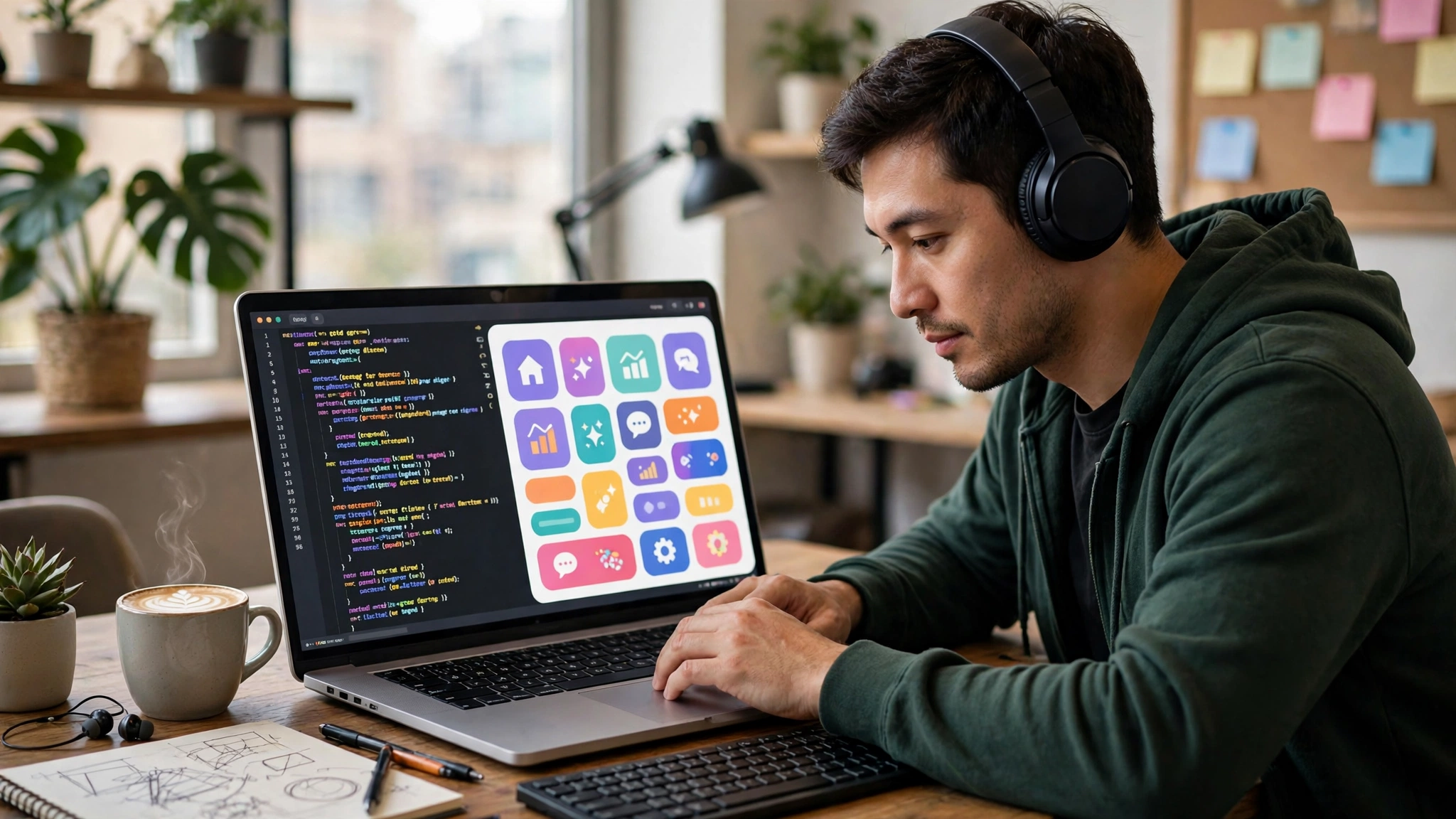
Vibe coding looks easy from the outside. You type what you want, the AI writes the code, and a working app shows up on your screen a few minutes later. The first time it happened to me, I felt like I had skipped years of learning. The second week, I was staring at a broken login screen, a database that no longer matched my pages, and an AI assistant that kept “fixing” the same bug by creating a new one.
That gap between the first vibe coding demo and a finished product is where most people quit. I almost did too. After building several small apps with AI coding tools like Cursor, Lovable, Replit and Claude, I learned that vibe coding rewards structure far more than speed. The vibe coding builders who ship are not the ones with the cleverest prompts. They are the ones who plan, work in small steps, save their progress and check what the AI hands back.
This guide shares the ten vibe coding tips that changed my results the most. Some of them sound boring. Writing a plan, committing your code, asking the AI to explain itself. But each one solved a real problem that cost me hours, money or both. Whether you are a founder testing an idea, a marketer building an internal tool or a developer trying to build apps with AI faster, these lessons will help you get from idea to launch without the usual chaos. Let’s start with what vibe coding actually means today.
What Is Vibe Coding, Really?
The term vibe coding came from Andrej Karpathy, a co-founder of OpenAI and former head of AI at Tesla, who used it in a post on X in February 2025. He described it as fully giving in to the vibes and forgetting that the code even exists. The OpenSSF glossary entry on vibe coding quotes his original words, including the admission that he didn’t read the diffs and simply pasted error messages back into the chat.
He meant it half as a joke, for throwaway weekend projects. Since then, vibe coding has turned into a real way people build software, from quick prototypes to paid products. Karpathy himself has since suggested “agentic engineering” as a better label for the more disciplined version.
In practice, AI app development and vibe coding today sit on a spectrum:
- Pure vibe coding: you describe, accept and move on without reading much code.
- Guided vibe coding: you plan, review key changes and test as you go.
- AI-assisted engineering: you understand the architecture and use AI to move faster.
Every tip below is about moving you from the first group toward the second, because that is where real vibe coding apps get finished.
10 Vibe Coding Pro Tips I Learned Building Real Apps
1. Write a Simple Plan Before You Write a Single Prompt
My first vibe coding project started with “build me a habit tracker.” The AI built something, but not what I pictured. Every follow-up prompt added features in random places, and within a day the app had no clear shape.
Now I always start with a short product requirements document (PRD). It doesn’t need to be formal. One page is enough.


What my one-page plan includes:
- The problem the app solves, in one sentence
- Who the user is
- The three to five core features for version one
- The main screens and how a user moves between them
- What data the app stores (users, tasks, payments and so on)
- What is out of scope for now
Paste this plan into your AI tool at the start of every new vibe coding session. It acts like a project brief, and it stops the assistant from guessing. Zapier’s guide to vibe coding best practices makes the same point: the PRD helps your tool follow your vision in a structured way instead of improvising.
2. Build in Small Steps, Never in One Giant Prompt
The fastest way to break a vibe coding project is to ask for everything at once. Big prompts produce big changes, and big changes hide bugs.
The habit that fixed this for me was simple: one feature per prompt. Instead of “add user accounts, a dashboard and email reminders,” I ask for the sign-up form first, test it, then move on.
A good small-step workflow looks like this:
- Ask for one change.
- Run the app and test that change by hand.
- If it works, save your progress.
- Only then ask for the next change.
It feels slower. It isn’t. With vibe coding, small steps mean that when something breaks, you know exactly which change caused it, and you can undo it in seconds.
3. Use Version Control Like Your App Depends on It
At some point, your AI assistant will make a change that wrecks something that worked an hour ago. It happened to me on almost every vibe coding project. The difference between a five-minute fix and a lost weekend is whether you saved a working version first.
Version control with Git (or the built-in checkpoints in tools like Replit and Lovable) is non-negotiable for vibe coding.
My rules:
- Commit after every working feature, with a short note like “login form works.”
- Create a branch before any risky change, such as switching databases or redesigning the layout.
- Roll back without guilt. If the AI goes in circles for more than three attempts, revert to the last good commit and try a different prompt.
If you don’t know Git yet, ask your AI tool to teach you the five basic commands. It is the best ten minutes you will spend on any vibe coding project.
4. Give the AI Rules and Context Up Front
In vibe coding, AI assistants only know what you tell them. Each new chat often starts with a blank memory, so the assistant will happily pick a different styling approach, a new folder structure or a duplicate helper function every time.
Most modern AI coding tools let you save project rules. Cursor has rules files, Claude Code reads a CLAUDE.md file, and many tools have a custom instructions panel.
Rules worth adding to every vibe coding project:
- Your tech stack (for example, React, Tailwind and Supabase)
- Folder structure and naming conventions
- “Do not create new files unless I ask”
- “Do not change files unrelated to the current task”
- “Explain your plan before writing code”
That last rule alone saved me from countless surprise rewrites. Good prompt engineering for code is less about clever wording and more about clear, repeated context.
5. Ask the AI to Explain Before It Builds
This tip changed how I use vibe coding more than any other. Before I let the assistant write code for a feature, I ask: “Explain how you would build this and which files you would change.”
Two things happen. First, I catch bad ideas early, like the time the AI planned to store passwords in plain text inside a JSON file. Second, I slowly learn how my own app works, which makes every later prompt better.
Useful “explain first” prompts:
- “Walk me through your plan before writing any code.”
- “Which files will this touch, and why?”
- “What could go wrong with this approach?”
- “Explain this function like I’m new to coding.”
You don’t need to become a full developer. But a basic understanding of your app’s structure turns vibe coding from gambling into building.
6. Start With the Data and Backend, Not the Pretty Screens
When you vibe code, everything feels like the front end because that is all you see. So vibe coding beginners (me included) spend days polishing buttons and colors, then discover the database can’t support the features they need.
Now I flip the order:
- Define the data first. What tables or collections do you need, and how do they connect?
- Set up authentication early. Adding user accounts later often means rewriting half the app.
- Connect a real backend such as Supabase or Firebase before building many screens.
- Design the interface last, once the data flows correctly.
A plain-looking app with solid data beats a beautiful app that loses user information. With vibe coding, you can always restyle the screens in an afternoon. Rebuilding the data model is far harder.
7. Treat Every Error Message as a Clue, Not a Command
The classic vibe coding move is copying an error, pasting it into the chat and hoping. Sometimes it works. Often, the AI patches the symptom, a new error appears, and you end up in a loop.
How I debug vibe coding errors now:
- Paste the full error plus context. Say what you were doing, what you expected and what actually happened.
- Ask for the cause before the fix. “Why is this happening?” gets better answers than “fix this.”
- Limit the attempts. If two or three fixes fail, stop. Revert, rephrase or start a fresh chat with a clean summary.
- Add logs. Ask the AI to add simple console messages so you can see where things break.
A fresh chat with a short, clear summary of the problem often solves in one try what a long, messy chat couldn’t solve in ten.
8. Never Skip Security Checks on AI-Generated Code
This is the lesson I wish someone had shouted at me on day one. AI-generated code usually works, but working is not the same as safe. Veracode’s 2025 GenAI Code Security Report tested more than 100 language models on 80 coding tasks and found that AI-written code introduced security flaws in 45 percent of cases. The report also found that models are getting better at writing correct code but not at writing secure code.
My security checklist for every vibe coding project:
- Never put API keys in front-end code. Store them in environment variables.
- Turn on database security rules, such as row-level security in Supabase.
- Validate every user input on the server, not just in the browser.
- Ask the AI to review its own work: “Audit this code for security problems, especially injection, exposed secrets and missing access checks.”
- Use a scanner. Free tools and the security features in GitHub can catch common mistakes.
If your vibe coding app handles payments, personal data or health information, get a human developer to review it before launch. AI-generated code security is the one area where vibe coding alone is not enough.
9. Pick the Right Tool for Each Stage
There is no single perfect vibe coding tool. I wasted time trying to force one platform to do everything. What works better is matching the tool to the stage of your vibe coding project.
| Stage | Good fit | Why |
|---|---|---|
| Idea and planning | ChatGPT, Claude, Gemini | Great for PRDs, user flows and feature lists |
| Quick prototype | Lovable, Bolt, Replit | Fast visual results with hosting included |
| Serious building | Cursor, Claude Code, Windsurf | More control over files, structure and Git |
| Launch and scale | Your own hosting plus code review | Stability, security and cost control |
Many vibe coding builders start in a browser-based prompt builder, then export the code to an editor like Cursor once the project grows. That hybrid path gave me the speed of quick prototyping and the control I needed later.
10. Test With Real People Early and Keep Your Scope Small
The last vibe coding lesson is about the product, not the code. My most polished vibe coding project had zero users because I spent weeks adding features nobody asked for. My most successful one was rough, simple and in front of five real users within a week.
How to keep momentum:
- Ship a tiny version first. One core feature that solves one real problem.
- Watch people use it. Their confusion will show you what to fix next.
- Write down every feature request, but only build the ones several users want.
- Track your AI costs. Credits and token usage add up fast when you rebuild the same feature again and again.
Vibe coding makes building cheap, which makes it tempting to keep building. The real win comes from building less and learning more.
Common Vibe Coding Mistakes to Avoid
Before we wrap up, here is a quick list of the vibe coding traps I see most often, including ones I fell into myself:
- Starting without a plan and hoping the AI “gets it”
- Accepting large changes without testing them
- Skipping Git and losing working versions
- Letting chats grow so long that the AI forgets early decisions
- Ignoring security until after launch
- Chasing perfect design before the data model works
- Expecting native mobile apps or complex games to be as easy as simple web apps
Avoid these, and vibe coding becomes one of the most powerful ways to turn an idea into working software.
Conclusion
Vibe coding can take you from idea to working app faster than ever, but the vibe coding projects that reach launch share the same habits: a one-page plan before the first prompt, one small feature at a time, frequent commits and branches, saved project rules, an “explain first” mindset, a data-first build order, careful debugging, serious attention to security, the right tool for each stage and early testing with real users on a small scope. Treat the AI as a fast, eager teammate that still needs clear direction and a second pair of eyes, and you will spend less time fixing loops and more time shipping apps people actually use.