Top 5 Google Fit Alternatives You Should Try Today
Looking for Google Fit alternatives? Check out our top 5 fitness tracking apps with better features for activity monitoring, health goals, and workout tracking.
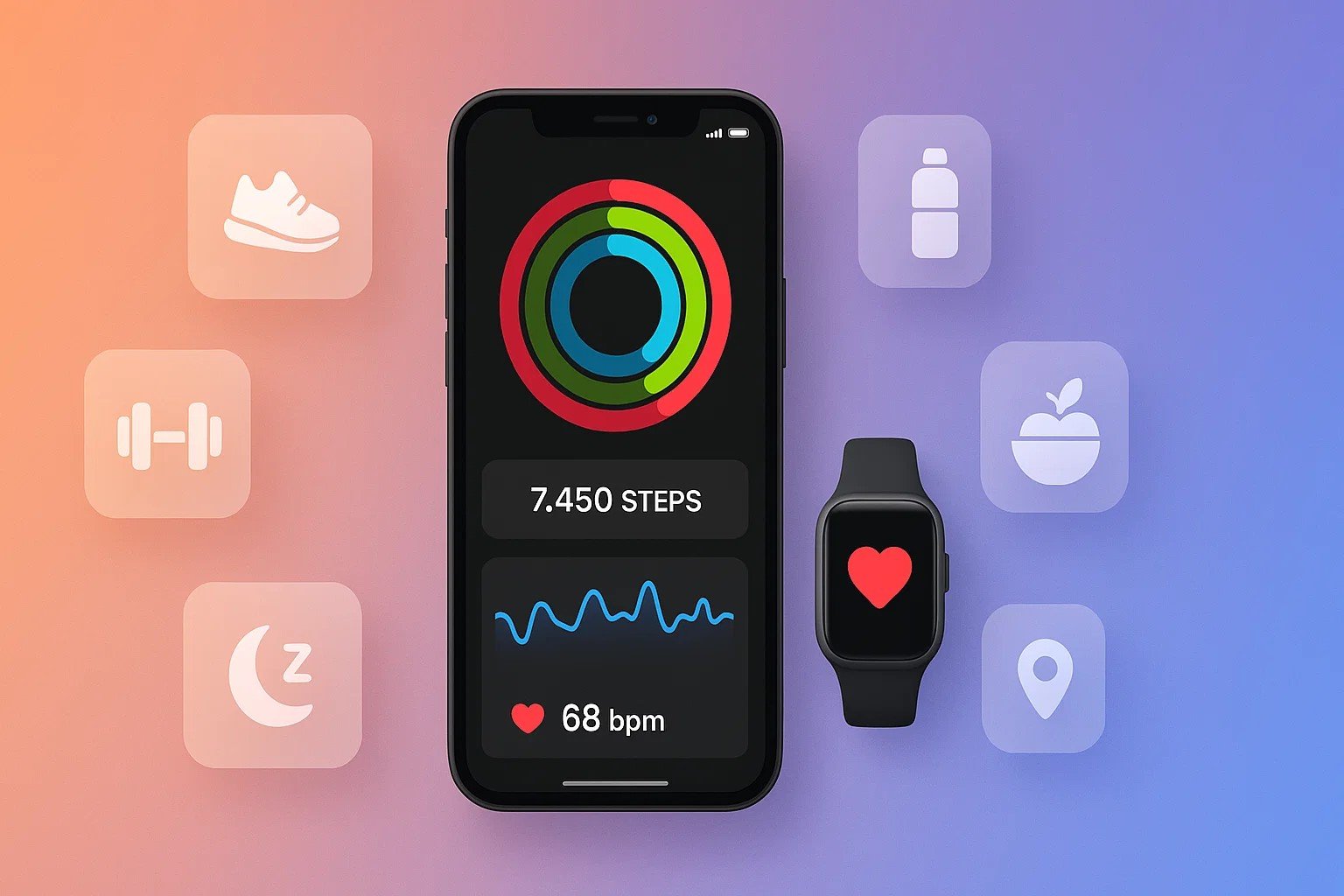
Google Fit has been helping people track their daily activity for years, but it’s not perfect for everyone. Maybe you want more detailed workout tracking, better food logging features, or a stronger community to keep you motivated.
The good news is there are plenty of Google Fit alternatives that offer different features to match your fitness goals. Whether you’re into running, cycling, weightlifting, or just trying to stay healthy, these fitness tracking apps can help you monitor your progress and reach your health targets.
Let’s explore five great options that might work better for you than Google’s app.
Why You Might Need a Google Fit Alternative
Before we jump into the alternatives, let’s talk about why you might want to switch from Google Fit. While Google’s health tracking app does a solid job with basic step counting and activity tracking, it has some limitations.
First, Google Fit doesn’t have detailed food logging features. If you’re trying to lose weight or build muscle, tracking what you eat is super important. The saying “you can’t out-train a bad diet” is absolutely true.
Second, Google Fit lacks advanced workout tracking for specific exercises. Weightlifters and serious athletes often need more detailed information about their training sessions.
Third, some users find the app’s measurements aren’t always accurate, especially when tracking workouts without a wearable device.
These gaps create opportunities for other fitness apps to fill the void. Each alternative we’ll discuss brings something unique to the table, whether that’s better nutrition tracking, stronger social features, or more precise activity monitoring.
Strava – Best for Runners and Cyclists
Strava is probably the most popular alternative to Google Fit, especially if you’re into running, cycling, or hiking. This fitness tracking app has become so huge that people joke, “If you didn’t log it on Strava, did it even happen?”


What Makes Strava Special
Strava is basically a social media app disguised as a fitness tracker. The community aspect is what sets it apart. You can see what workouts your friends are doing, give them kudos (Strava’s version of likes), and even compete on popular routes through segment challenges.
It’s like having a bunch of workout buddies who keep you accountable, even when you’re exercising alone.
The app uses GPS tracking to map your routes with impressive accuracy. You’ll get detailed stats on your speed, pace, elevation gain, and distance.
For cyclists and runners, this level of detail is incredibly useful. You can analyze your performance over time and see exactly where you’re improving.
Features That Stand Out
- Activity tracking with precise GPS mapping
- Social features including clubs, kudos, and comments
- Segment challenges where you compete on specific routes
- Relative effort tracking instead of just speed
- Beacon feature to share your location with up to three people for safety
The Downsides
The main issue with Strava is privacy. Some of your information, including your location data, becomes public when you use the app.
You can adjust privacy settings, but you can’t completely turn off data sharing. Also, many of the best features require a paid subscription, which might not work for everyone’s budget.
If you’re serious about running tracking or cycling and want to connect with other athletes, Strava is hands down one of the best choices. The competitive elements and community support can really push you to improve your performance.
MyFitnessPal – Best for Weight Management and Nutrition
If your main goal is to lose weight or gain muscle, MyFitnessPal is probably your best bet. This app focuses heavily on nutrition, which is exactly what Google Fit lacks.
Why MyFitnessPal Works for Weight Goals
MyFitnessPal operates on the simple principle of “calories in, calories out.” When you sign up, you enter your current weight, target weight, and how much you want to lose (or gain) per week. The app then calculates your daily calorie target. From there, you just log everything you eat throughout the day to see if you’re staying on track.
The app has a massive food database with over 11 million items. You can search for foods manually or use the barcode scanner to quickly log packaged items. There’s also a recipe importer that lets you track any recipe from the web, which is super helpful if you cook at home often.
Key Features
- Huge database of foods and recipes
- Calorie counter with barcode scanning
- Integration with fitness trackers and wearable devices
- Customizable diet and weight goals
- Macro tracking for protein, carbs, and fats
- Water intake tracking
- Exercise logging
What You Should Know
MyFitnessPal requires some daily effort. You need to log everything you eat, which can feel like a chore at first. However, most users find that it becomes a habit after a week or two. The free version has ads, but the premium version removes them and adds extra features like meal planning and detailed nutritional insights.
For anyone serious about weight loss or understanding their nutrition better than Google Fit allows, MyFitnessPal is an excellent choice. It gives you the data you need to make informed decisions about your diet.
Samsung Health – Best All-Around Google Fit Alternative
Samsung Health is probably the closest direct competitor to Google Fit. It offers similar basic features but includes several advanced options that Google’s app doesn’t have.
More Than Just Step Counting
Samsung Health tracks all the basics like step count, distance, and calories burned. But it goes further by including features for meal tracking, water intake monitoring, and even stress management. This makes it a more comprehensive health app for overall wellness.
The app works on any Android device, though it really shines if you own a Samsung phone or Galaxy Watch. Users with compatible Galaxy Watch devices can access extra features like body fat percentage measurement through the BioActive sensor. Even without Samsung hardware, though, the app provides excellent value.
Notable Features
- Step counting and activity tracking
- Food and water logging
- Sleep monitoring with quality analysis
- Heart rate tracking
- Stress and mindfulness features
- Integration with Samsung wearables
- Compatibility with other Android devices
Things to Consider
While Samsung Health works on any Android phone, some features are limited if you don’t have Samsung devices. The app isn’t available for iPhone users, which limits its audience. However, if you’re an Android user looking for a well-rounded fitness app that does a bit of everything, Samsung Health is a strong choice.
The app strikes a nice balance between being simple enough for beginners and detailed enough for people who want to track multiple aspects of their health. It’s like Google Fit but with more features and better tracking options.
Fitbit – Best for Sleep and Overall Wellness
Fitbit has been in the fitness tracking game longer than almost anyone else. While many people think of Fitbit as just a hardware company making fitness bands and smartwatches, their app is actually fantastic even if you don’t own any Fitbit devices.
Comprehensive Health Monitoring
Fitbit takes a holistic approach to wellness. Beyond basic activity tracking, the app monitors sleep patterns, heart rate, food intake, water consumption, and even menstrual cycles for women who want to track reproductive health. This comprehensive approach makes it great for people who want to understand their overall health, not just their workouts.
The app’s sleep tracking is particularly impressive. It analyzes your sleep stages, gives you a sleep score, and provides tips for better rest. Since quality sleep is crucial for fitness recovery and general health, this feature alone makes Fitbit worth considering.
Features You’ll Love
- Activity and step tracking
- Detailed sleep analysis with sleep score
- Food and water logging
- Heart rate monitoring (with Fitbit device)
- Guided workouts through Fitbit Premium
- Mindfulness and meditation exercises
- Achievement badges for motivation
- Daily readiness scores (with compatible wearables)
Important Notes
Here’s the catch: if you’re only using the Fitbit app without a Fitbit wearable, you’re limited to step tracking through your phone. The app isn’t very accurate when using just your phone’s sensors. During testing, some users have found accuracy issues when relying solely on smartphone sensors.
For the best experience, you’ll want to pair the app with an actual Fitbit device. If you’re willing to invest in the hardware, Fitbit offers one of the most complete fitness tracking ecosystems available. The Fitbit Sense 2 and Charge 6 are popular choices that unlock all the app’s features.
OpenTracks – Best Free and Privacy-Focused Option
Not everyone wants their workout data shared with big tech companies. If privacy is important to you, OpenTracks is an excellent Google Fit alternative that keeps your information completely private.
Privacy First, Always
OpenTracks is an open-source app, which means its code is publicly available for anyone to review. This transparency ensures there are no hidden data collection practices. The app doesn’t send your information to any servers or share it with third parties. Everything stays on your device unless you choose to export it.
Despite being free and privacy-focused, OpenTracks doesn’t compromise on features. It tracks all the essential metrics you’d expect from a fitness tracking app, including distance, speed, pace, and elevation. The app uses your phone’s GPS to map your routes and provides detailed statistics about your activities.
What OpenTracks Offers
- GPS-based activity tracking for running, cycling, and hiking
- Detailed charts and statistics
- Route mapping with elevation data
- Export options for your data
- Completely ad-free experience
- No account required
- Full privacy protection
- Open-source code for transparency
The Trade-Offs
Because OpenTracks focuses on privacy and simplicity, it doesn’t have social features or cloud syncing. You won’t find community challenges, leaderboards, or the ability to share workouts with friends. The interface is also more basic compared to polished apps like Strava or Fitbit.
However, if you value privacy above all else and just want a simple, effective way to track your outdoor activities without anyone else accessing your data, OpenTracks is perfect. It’s also completely free with no premium tiers or subscriptions, which is refreshing in an age where most apps push paid plans.
Choosing the Right Fitness App for Your Goals
Now that you know about these five Google Fit alternatives, how do you pick the right one? The answer depends on your specific fitness goals and what features matter most to you.
Match the App to Your Activity
If you’re a runner or cyclist who loves competition and community, Strava is your best option. The social features and segment challenges will keep you motivated and help you connect with other athletes.
For anyone focused on weight loss or weight gain, MyFitnessPal is unbeatable. The massive food database and detailed calorie tracking give you the tools you need to manage your nutrition effectively.
If you want an all-around health tracking solution that monitors multiple aspects of wellness, Samsung Health (for Android users) or Fitbit (especially with a wearable device) are excellent choices.
And if privacy is your top priority and you just need basic activity monitoring without any data sharing, OpenTracks will serve you well.
Consider Your Budget
Several of these apps offer free versions with paid premium options. Strava’s free tier is good but locks some features behind a subscription. MyFitnessPal’s free version works well but includes ads. Fitbit’s app is free, but you’ll get the most value by purchasing a Fitbit device. Samsung Health and OpenTracks are completely free with no premium tiers.
Think about whether you’re willing to pay for extra features or if you need a completely free solution. Both approaches have their merits.
Think About Integration
If you already own a smartwatch or fitness tracker, check which apps integrate with your device. Most apps work with popular wearables, but some combinations work better than others.
For example, Fitbit devices naturally work best with the Fitbit app, while Samsung wearables unlock special features in Samsung Health.
Also consider whether you want your health data to sync with other services. MyFitnessPal and Fitbit both integrate with Apple Health and Google Fit, allowing you to keep all your information in one place if you use multiple apps.
Conclusion
Finding the right Google Fit alternative comes down to understanding what you need from a fitness app. Strava excels at building community and tracking outdoor activities, MyFitnessPal dominates nutrition and weight management, Samsung Health offers comprehensive wellness tracking, Fitbit provides detailed sleep monitoring and holistic health insights, and OpenTracks delivers privacy-focused activity tracking.
Each of these fitness tracking apps brings unique strengths that might match your goals better than Google’s offering. The key is to identify what matters most to you, whether that’s social features, calorie counting, sleep analysis, or data privacy, and then choose the app that best supports your fitness journey.
Try out a few options to see which one keeps you motivated and helps you reach your health goals most effectively.